Restaurant
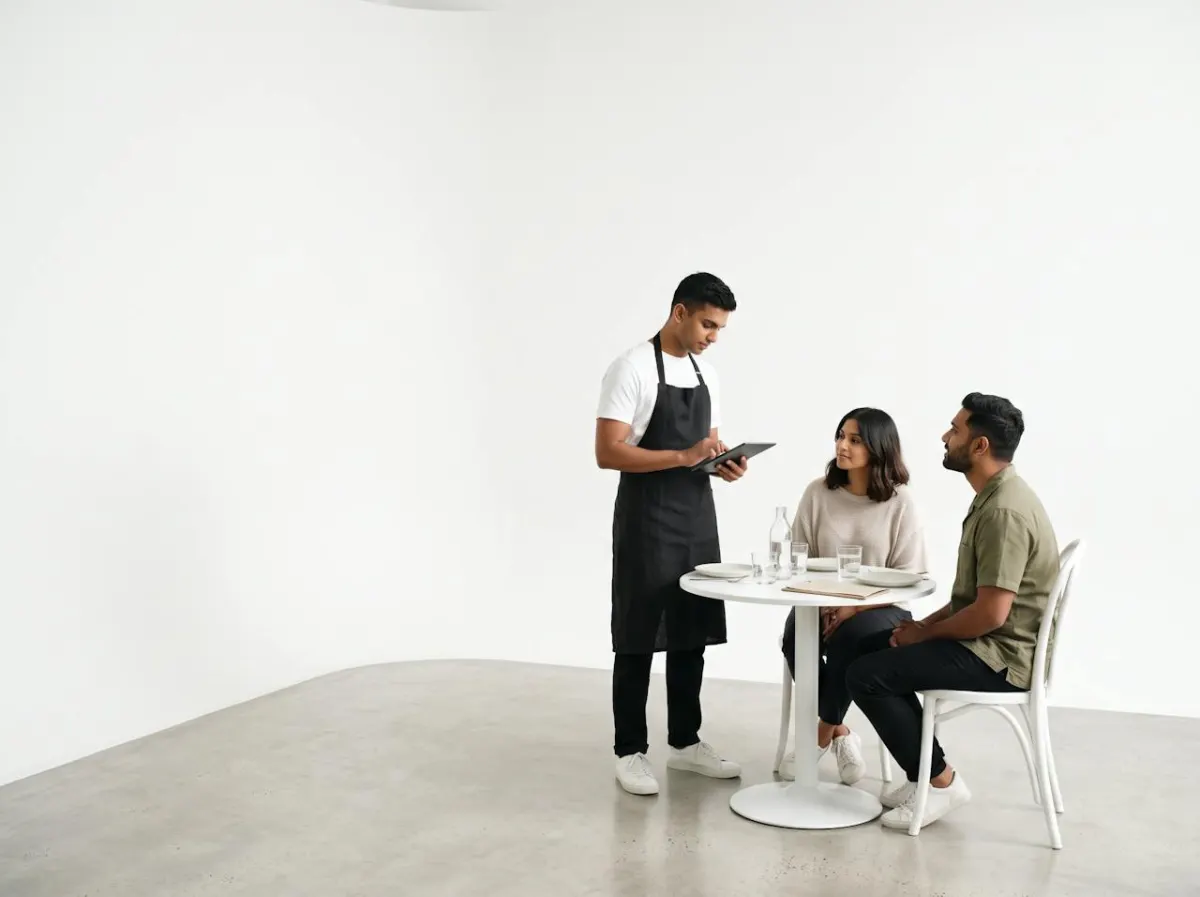
 CheckoutTable 7 orders two chicken sandwiches.Live
Sandwich x22,400.00
TotalRs 2,400.00
Charging…Paid by card
 RestaurantA KOT prints for the kitchen.
KOT 118Table 7
2 x Chicken sandwich
No onions
Orders from the table to the kitchen, ingredients off stock by recipe, and food cost you can see every night. ET Cloud is the ERP and POS that runs it for restaurants in Sri Lanka.
Each app does its part and passes the rest on, from restaurant, central kitchen, purchasing and head office. The figures are an example.
CheckoutTable 7 orders two chicken sandwiches.LiveRestaurantA KOT prints for the kitchen.Sends kitchen order on to central kitchen
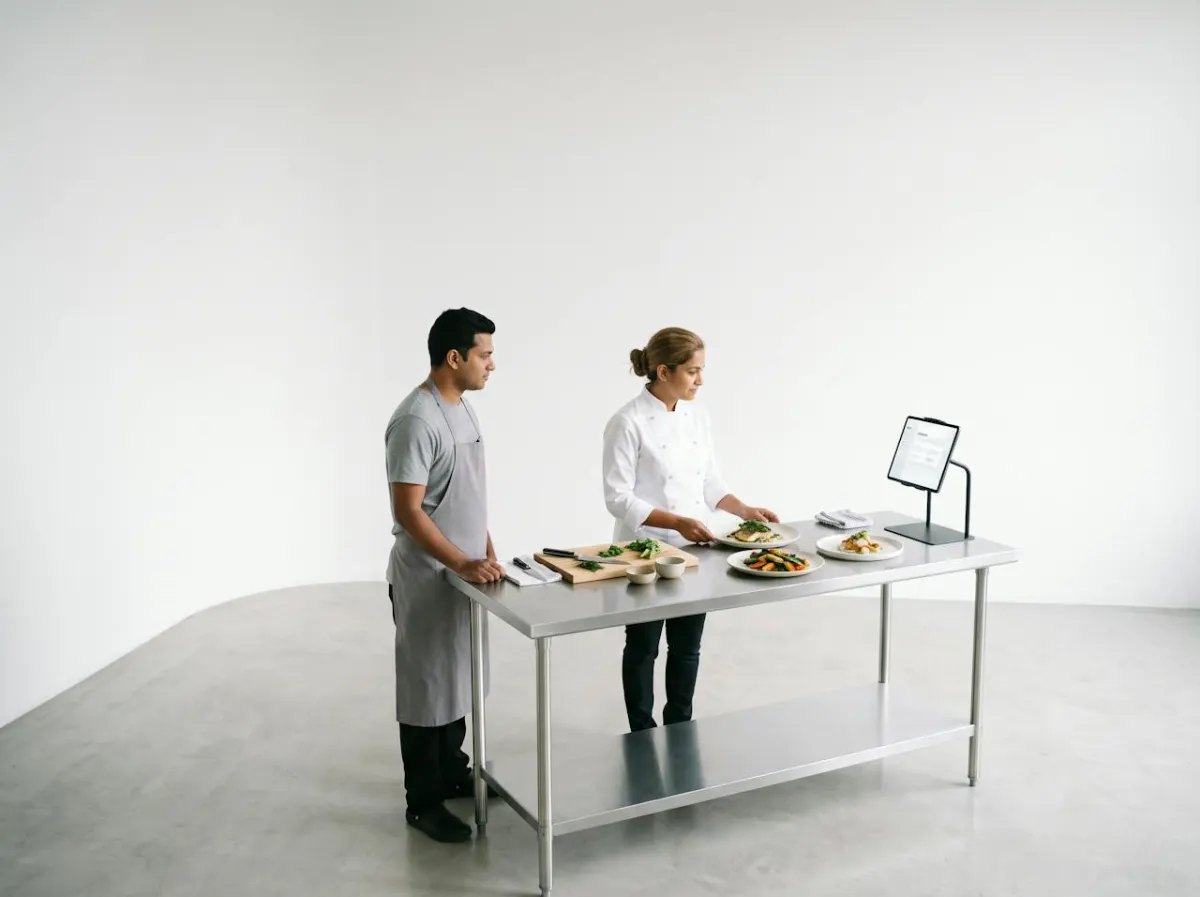
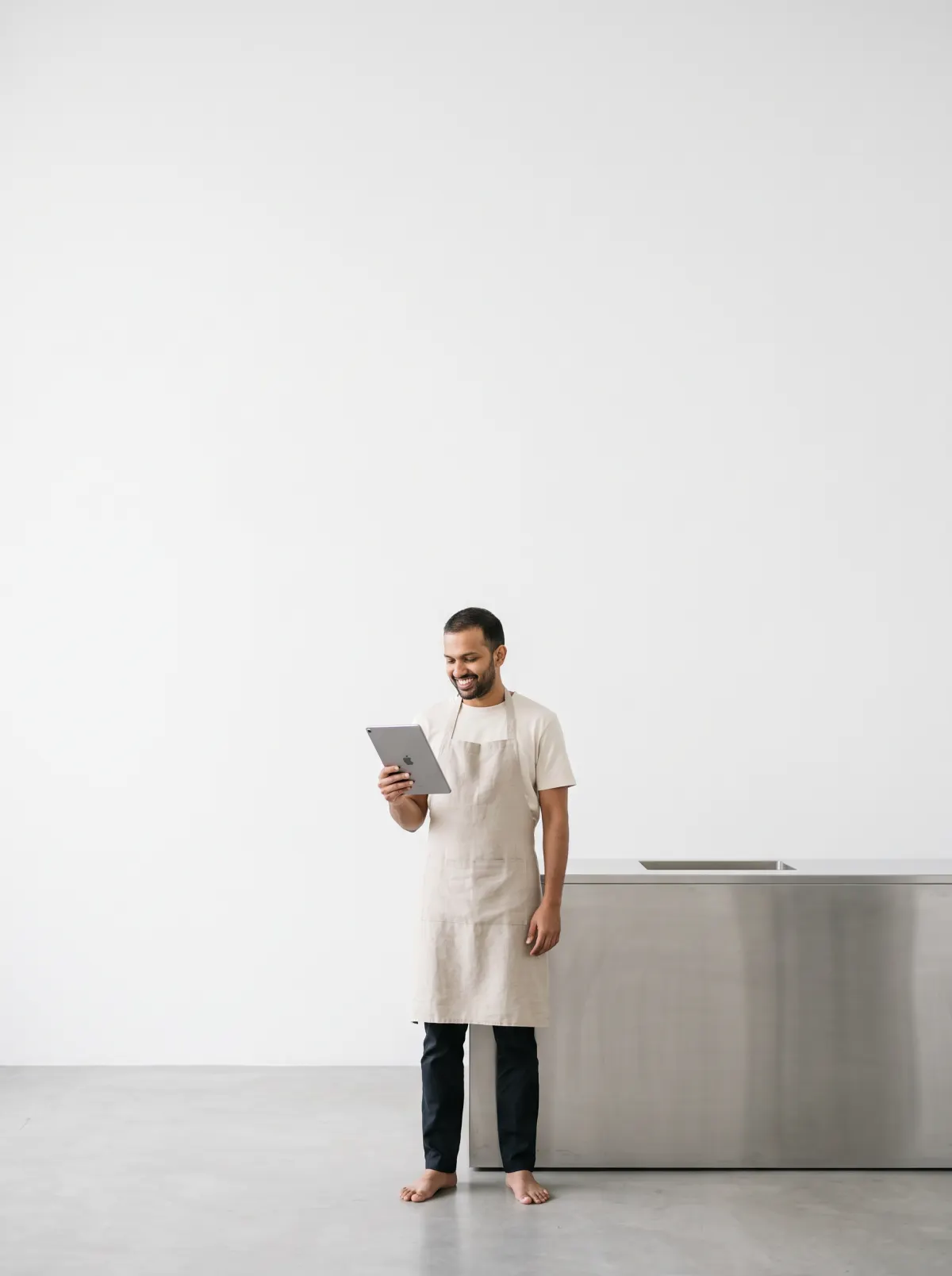
 RecipesThe recipe for the sandwich is checked.
 Stock reportThe ingredients come off stock.
Sends reorder level on to purchasing
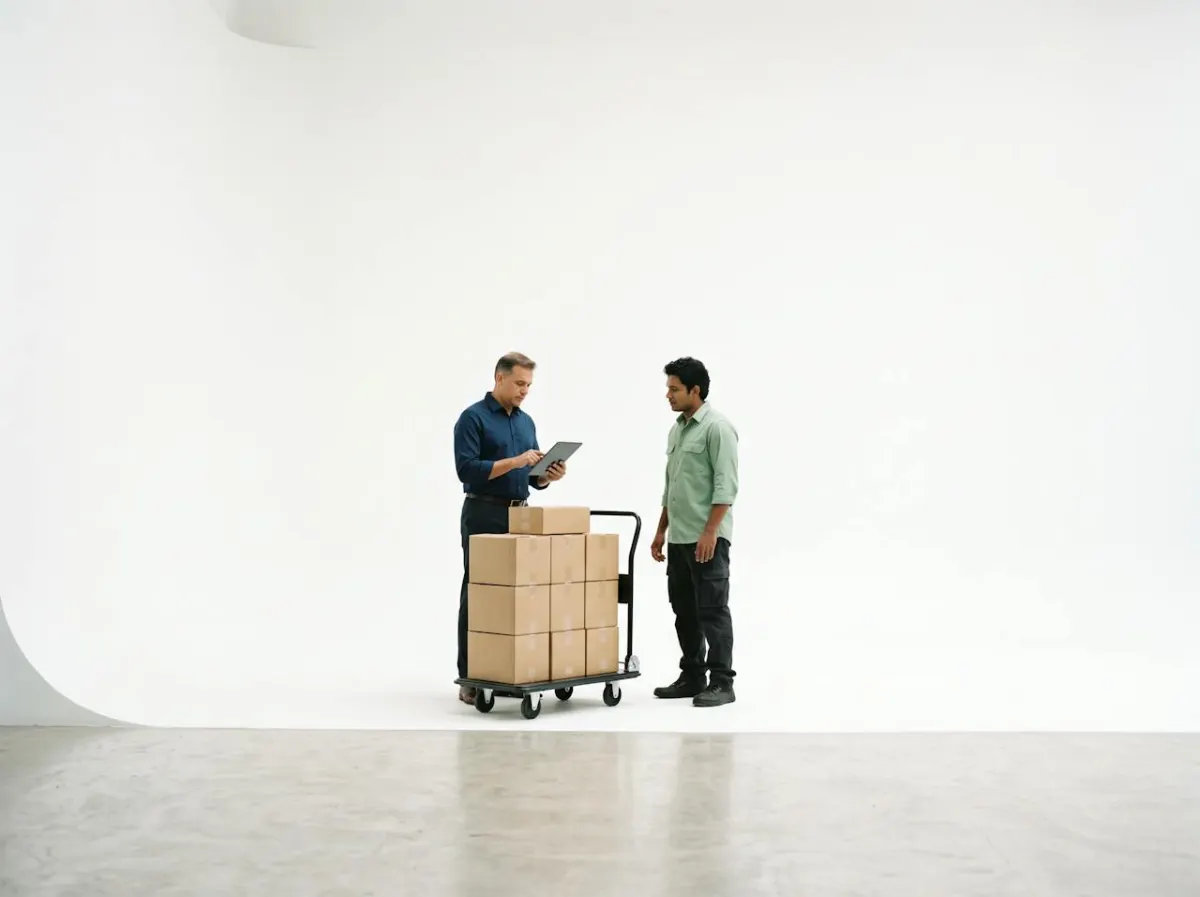
 Purchase orderA purchase order goes to the chicken supplier.
Sends sales and food cost on to head office
 LedgerThe sale and its food cost post to the books.
 Sales by hour tonightTonight's dashboard updates.
 ShiftsTomorrow's roster follows the busy hours.
 PayslipThe extra shift flows into this month's pay.
These come together from the start. Begin with all of them, or with just one, and add the rest when you need them.
The starting setup has Point of Sale, Restaurant, Recipes, Inventory, Purchasing, Accounting, Shifts and Reports. You can begin with fewer and add the rest later.
Kiosk, Sales channels, Loyalty, Payroll, Attendance and Bookings. Each one connects to the apps you already use, so nothing has to be typed in again.
Here's an example from a busy restaurant: Table 7 orders two chicken sandwiches. A KOT prints for the kitchen. The recipe for the sandwich is checked. The ingredients come off stock. A purchase order goes to the chicken supplier. The sale and its food cost post to the books. Tonight's dashboard updates. Tomorrow's roster follows the busy hours. The extra shift flows into this month's pay.
Book a demo by calling +94 77 378 5299 or emailing [email protected]. We'll set it up with products like yours.
Tell us what you sell and how many places you run. We'll show you the restaurants setup, already put together, and answer every question on the call.